
Everything that ships in the box
Two mobile apps, an admin panel and a website, all running on one backend. Here is what each one does on the day you launch.
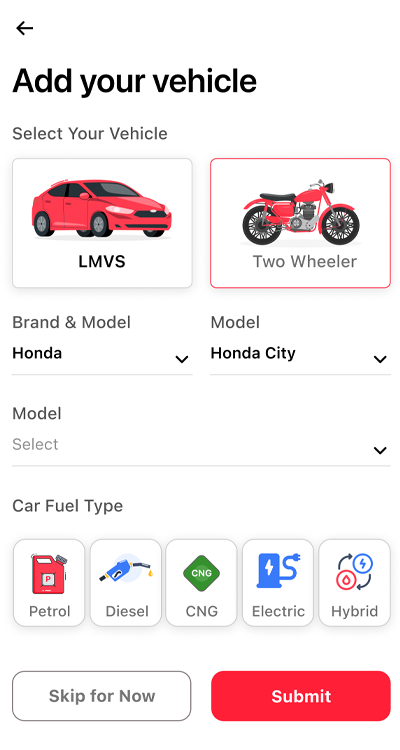
Customers add any vehicle the app supports
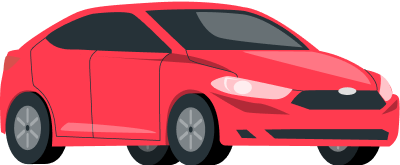 Car
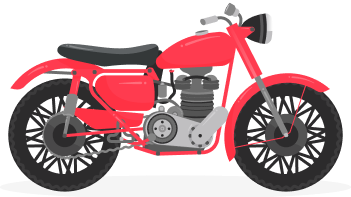 Two-wheeler
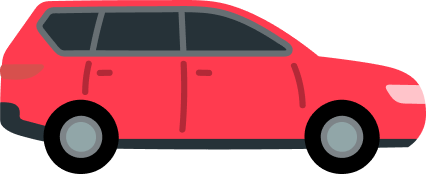 SUV
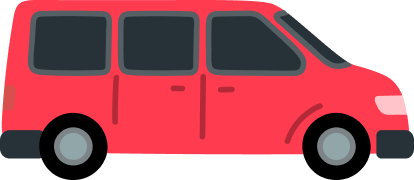 Van
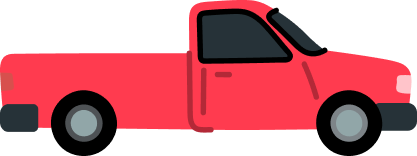 Pickup
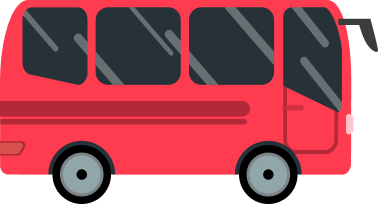 Bus
 Petrol
 Diesel
 CNG
 Electric
 Hybrid
The customer app
What drivers download from your store listing. It handles two kinds of job: urgent roadside help, and services booked for later.
- 0SOS services ready
- 9scheduled services ready
- 0cities configured
SOS in one tap
Pick the problem, share the live location and see the fare before anyone is called.
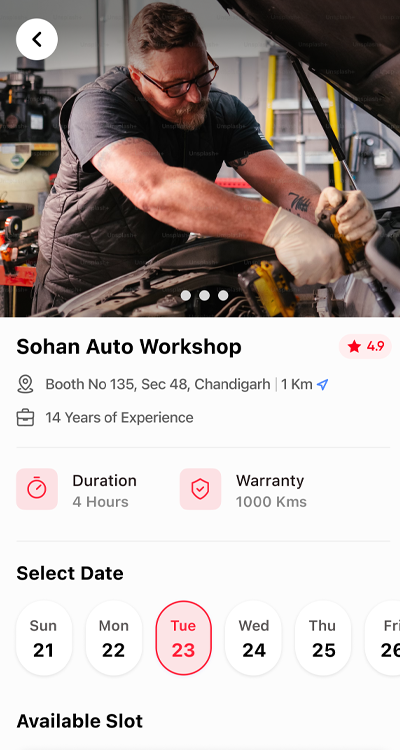
Scheduled bookings
Choose a service, a mechanic package, add-ons, a date and a time slot.
My vehicles
Car or two-wheeler, brand, model, year and fuel type, saved for every future booking.
Service questions
Short questions per service so the mechanic knows what to bring before arriving.
Razorpay checkout
Cards, UPI and wallets. Each payment is verified by signed webhook before the job starts.
Status by push
Accepted, Ongoing, Submitted, Completed: the driver hears about every step.
Ratings and reviews
Drivers rate mechanics after every job, and mechanics can review drivers too.
Saved addresses
Home, office and anywhere else, ready for the next booking.
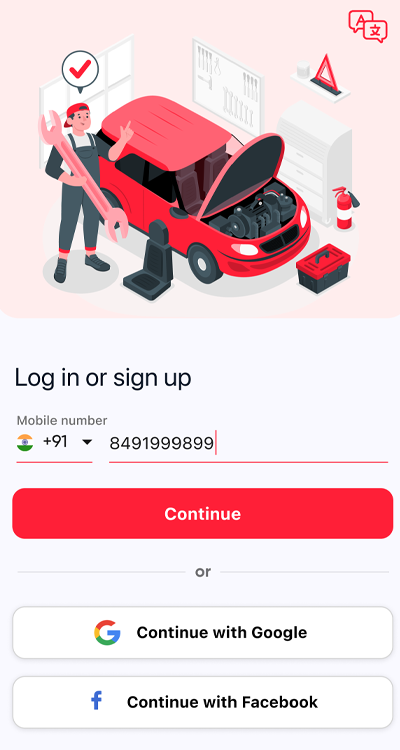
OTP and social login
Phone number OTP by SMS, plus Google and Facebook sign-in.
The service menu customers tap
These icons come straight from the customer app. Each one opens the booking flow for that job, and you can add your own from the admin panel.


One booking, start to finish
Every status change is logged with a timestamp, so you and your support team can see exactly what happened on any job.
- Booked
- Paid
- Accepted
- Ongoing
- Submitted
- Completed
When a job is submitted, the mechanic's wallet is credited with the job value minus your 16% commission.
The mechanic app
For workshops, mobile mechanics and their staff. It brings in jobs, keeps them moving and pays out what they earn.
- Approval before going live. Mechanics upload documents and you approve them in the admin panel.
- Several businesses per owner, each with its own location, banner, working hours and services.
- Parts on order. Mechanics buy stock from your inventory without leaving the app.
SOS alerts nearby
A push arrives when a driver in range needs help, with the service, distance and fare.
Packages per vehicle
Price, discount, duration and included services, set for each vehicle model.
Time slots
Working hours per business, so customers only book when the workshop is open.
Job updates
Move a job from Accepted to Ongoing to Submitted, and the customer is told each time.
Wallet and withdrawals
Earnings build up in the wallet. Mechanics add a bank account and request a cash-out.
Inventory orders
Browse your parts catalog by category and place orders that you fulfil.
The admin panel
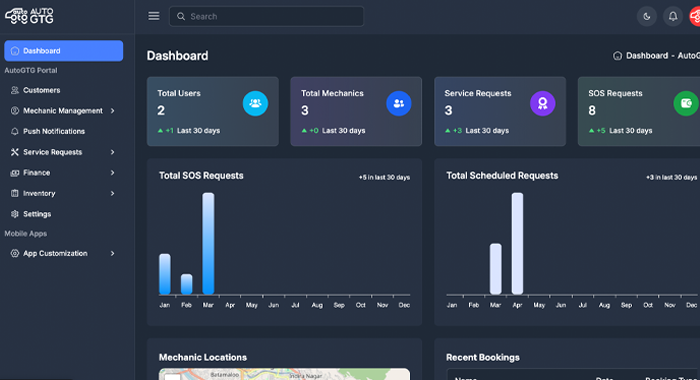
A web console for you and your operations team. Every module below is built and running in the demo, which currently holds 0 customers, 0 mechanics and 0 jobs.
People
- Customers
- Mechanic accounts
- Mechanic businesses
- Mechanic packages
- Document review and approval
Jobs
- Scheduled requests
- SOS requests
- Status history per job
- Reviews from both sides
Money
- Wallets
- Transactions
- Payout requests
- Razorpay payment records
Inventory
- Categories
- Items and stock
- Orders from mechanics
Catalog
- Main services and categories
- Service questions
- Service add-ons
- SOS base fare and per-km rate
Engagement
- Push broadcasts by city or user
- In-app banners
- App tutorials
- Force-update versions for iOS and Android
The website
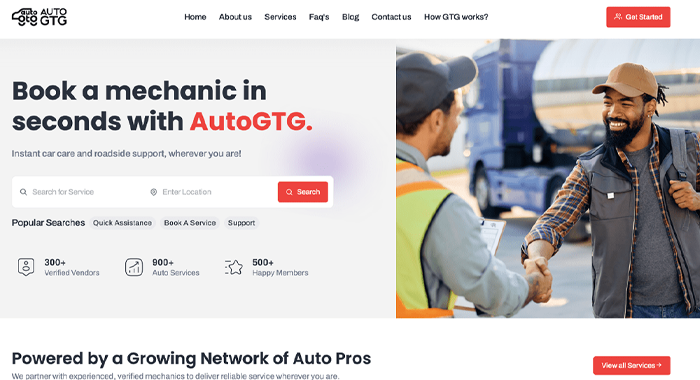
Marketing pages that bring drivers in from search, and a web dashboard where returning customers check bookings, saved mechanics and reviews.
- Home, services, how it works, FAQ, blog and contact pages
- Terms, privacy, refund and cookie policies, which the app stores ask for
- Page titles, descriptions and social cards for every page
Services you can launch with
Read live from the demo platform. Edit any of them in the admin panel.
- Car Services
- Flat Tire
- Denting & Painting
- Dead Battery
- Car Wash
- Towing
- Brake Service
- Oil Change
- Lockout Service
See every feature running on your own phone.
Book a 30-minute demo. We will install the customer and mechanic apps on your phone, walk you through the admin panel, and send a proposal for your market.