

How it works
From one call to your own app in the stores.
No year-long build and no tech team to hire. Six clear steps take you from a demo to drivers in your city booking mechanics under your brand.
- 6steps to launch
- 4apps delivered
- 9services preloaded
- 0cities ready
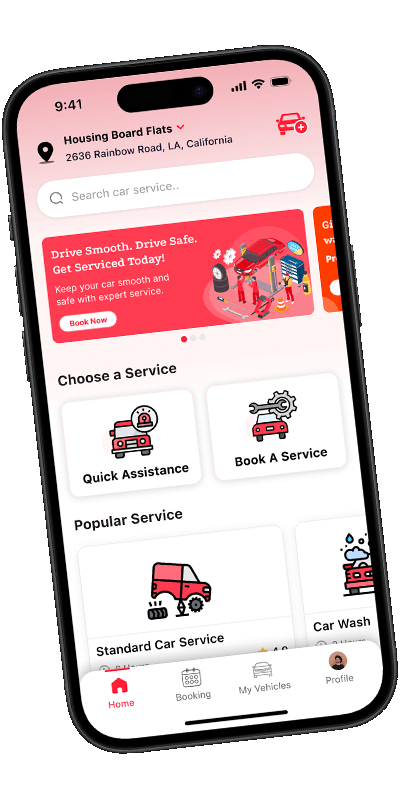
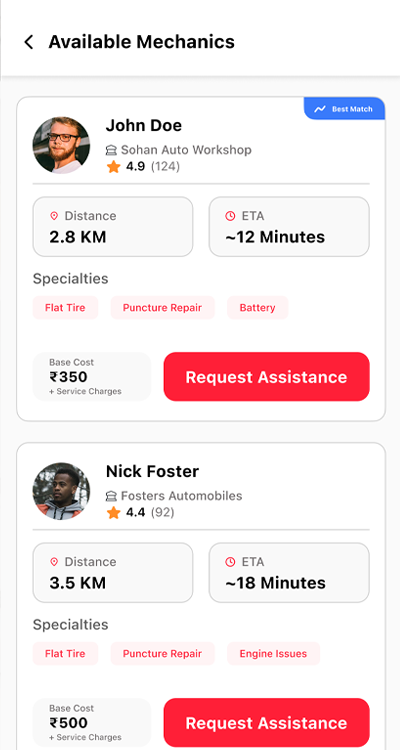
 Live in your cityUnder your brand
Your launch, step by step
You make the business decisions. We handle the software, the setup and the app stores.

 Step 1: Day 1
See it running on your own phone
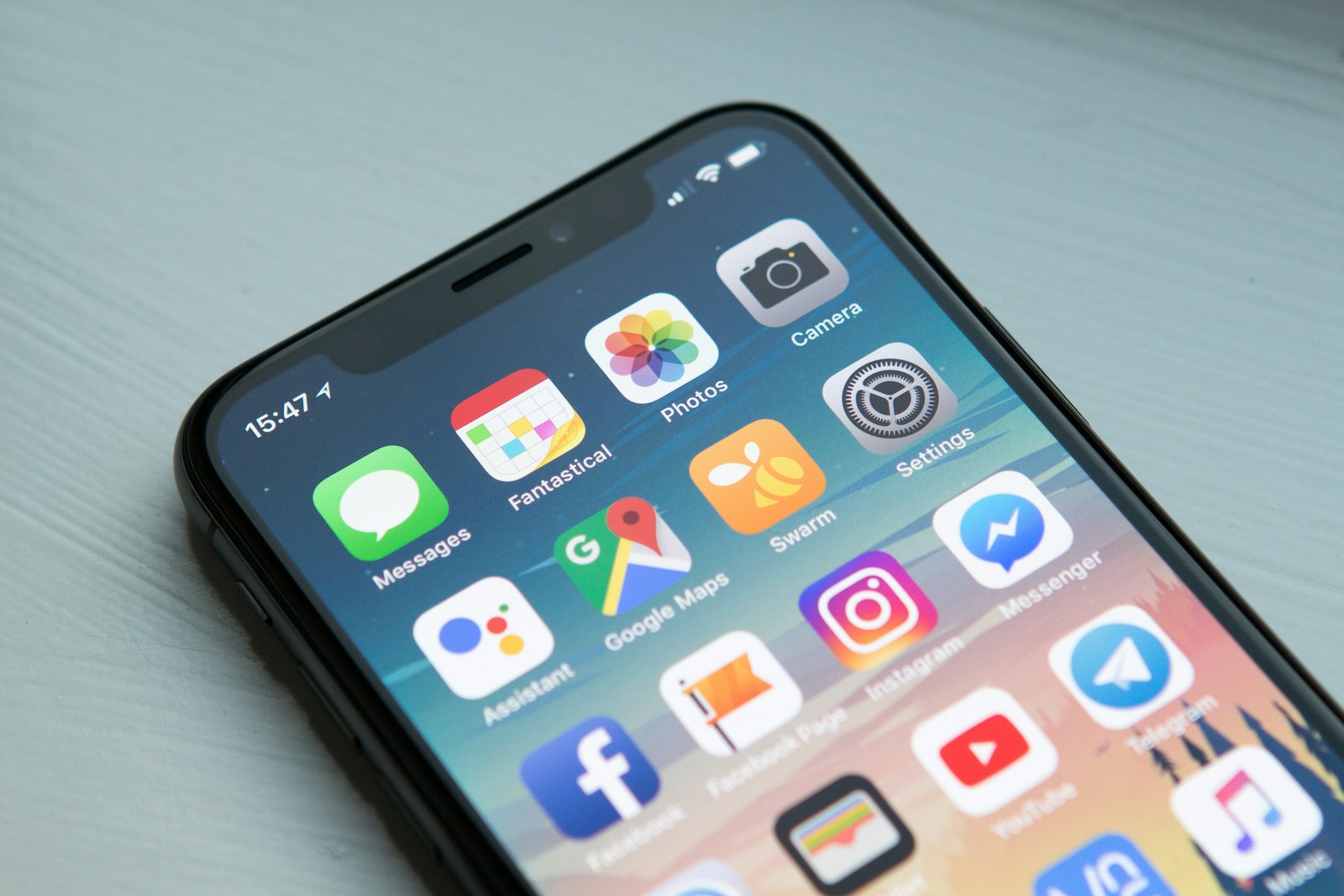
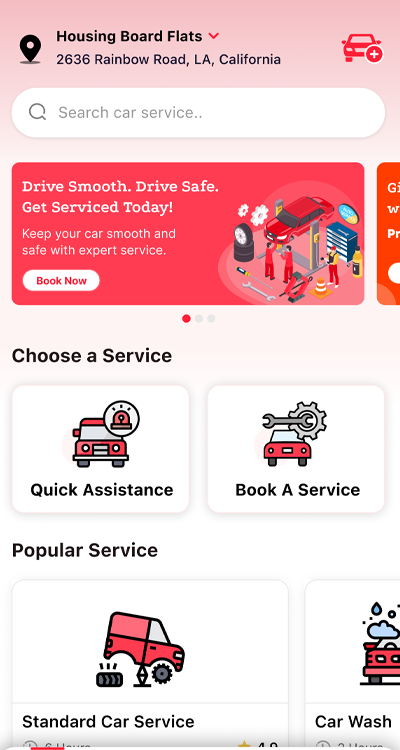
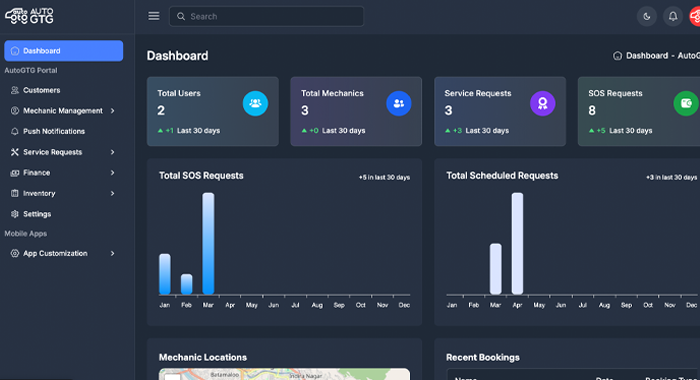
A 30-minute call. We install the customer and mechanic apps on your phone and run a real SOS and a real booking together, while you watch the same jobs appear in the admin panel.
- Both apps on your phone
- A live SOS and a live booking
- Your questions answered
 Step 2: Day 1 to 3
Get a proposal you can plan around
A written proposal for your market: the package, a fixed price, the timeline and anything custom. No moving targets. Once you confirm, the clock starts.
- Fixed price
- Launch timeline
- Custom work quoted separately
 Step 3: Your side
Send your brand, open your accounts
Your name, logo, colours and app icon, plus App Store and Google Play developer accounts in your company name. We send a checklist so nothing is missed.
- Logo and colours
- Store developer accounts
- Payment, maps and SMS keys
 Step 4: Our side
We rebrand and wire everything up
Your brand goes onto both apps, the admin panel and the website. We connect your own payment, maps, push, SMS and storage accounts, then load your services, cities and SOS fares.
- Both apps rebranded
- Your keys connected
- Catalog and cities loaded
 App StoreGoogle PlayStep 5: Store review
Submit to Apple and Google
We prepare the store listings, screenshots and policy pages, and submit both apps. Review times are set by Apple and Google, and we answer anything their reviewers ask.
- Listings and screenshots
- Privacy and terms pages
- Reviewer questions handled
 Step 6: Launch
Go live in your city
Your apps are public. Your team is trained on the admin panel, and on Business and Enterprise you receive the full source code. Support continues for the period in your package.
- Admin training
- Source code handover
- Support from day one

Every breakdown in your city becomes a job on your platform.
- 2 km
- 5 km
- 10 km
- 15 km
- 20 km
The SOS search starts within 2 km of the driver and widens every 30 seconds until a mechanic answers.
An example day on your platform
Once you're live, the platform does the matching. Here's what one day can look like, from a new workshop joining to money reaching the bank.
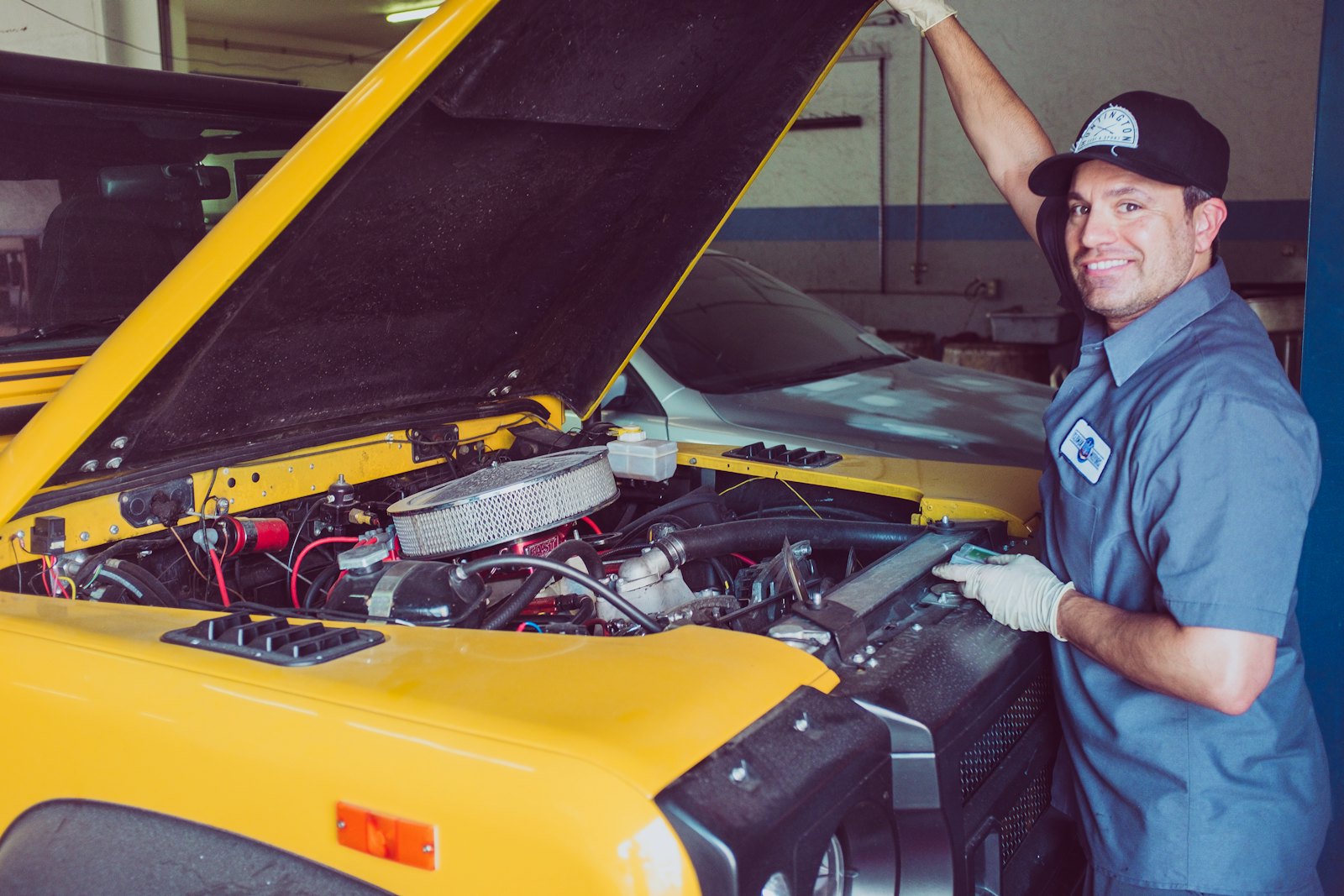
A workshop joins
A mechanic downloads your app and adds their business, working hours and documents.
You approve them
Your team checks the documents in the admin panel and switches the business on.
A breakdown on the road
A driver taps SOS. Mechanics within 2 km get a push, and the search widens until someone answers.
Help is on the way
The driver compares distance, ETA and rating, and picks a mechanic.
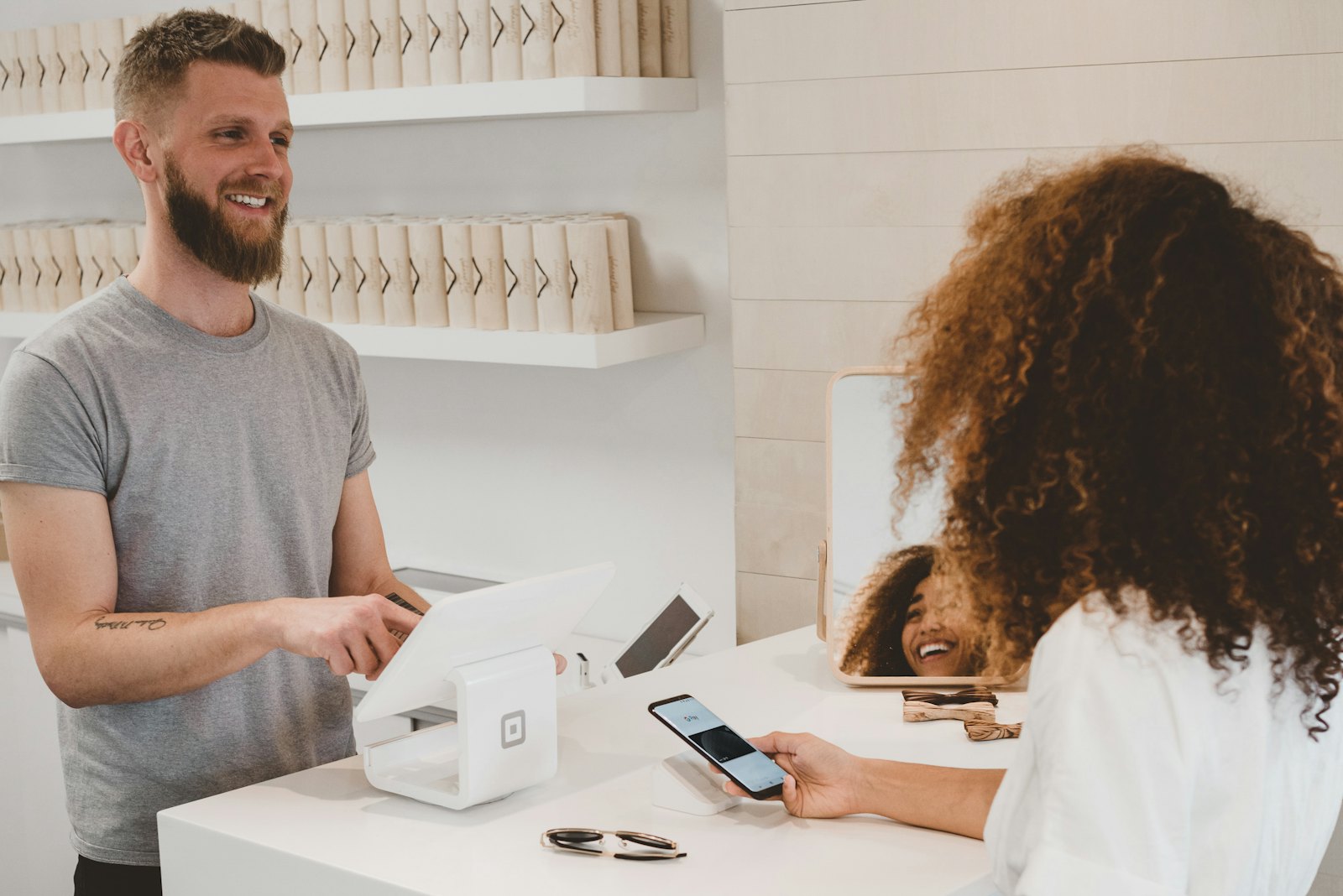
Paid in the app
The job closes, the driver pays and leaves a review. You keep your 16% commission.

Money to the bank
The mechanic requests a cash-out from their wallet and you approve it from Payouts.
What we'll ask you for
Everything on this list belongs to your business, so the platform runs on your own accounts from day one.
- Brand assetsApp name, logo, colours and app icon.
- Apple and Google developer accountsSo the apps are published under your company.
- A Razorpay accountCustomer payments go straight to you.
- Google Maps and Firebase keysFor locations, distances and push notifications.
- An SMS providerFor OTP login codes.
- Hosting and storageA server for the API and an S3 bucket, or we help you set them up.
The screens your customers move through
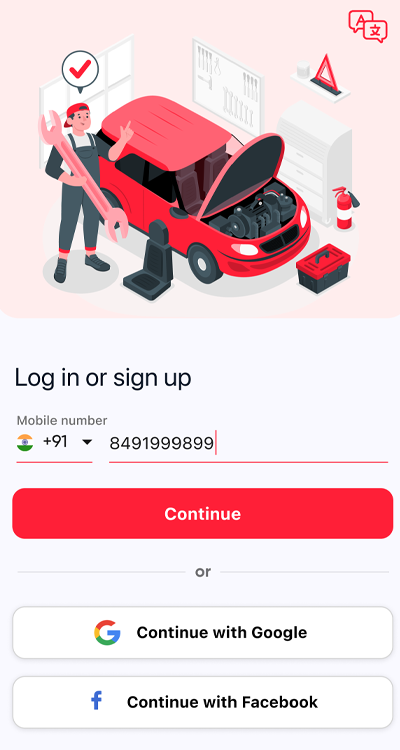
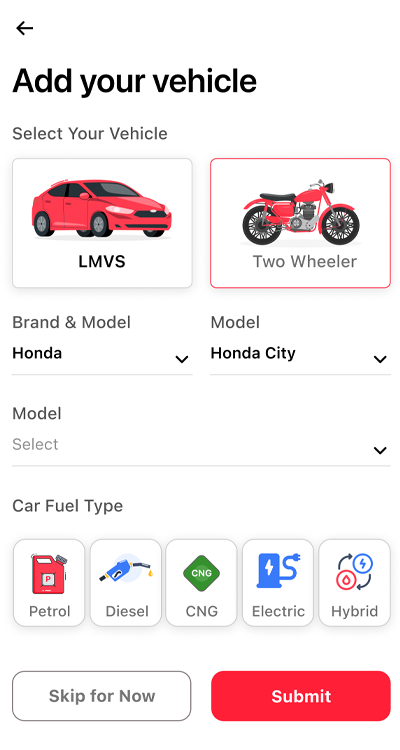
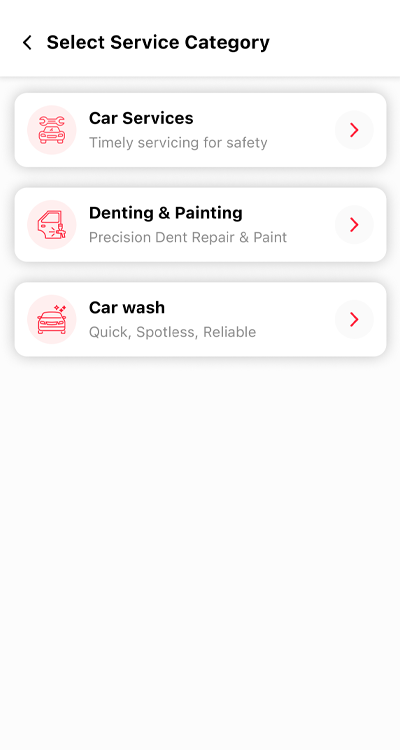
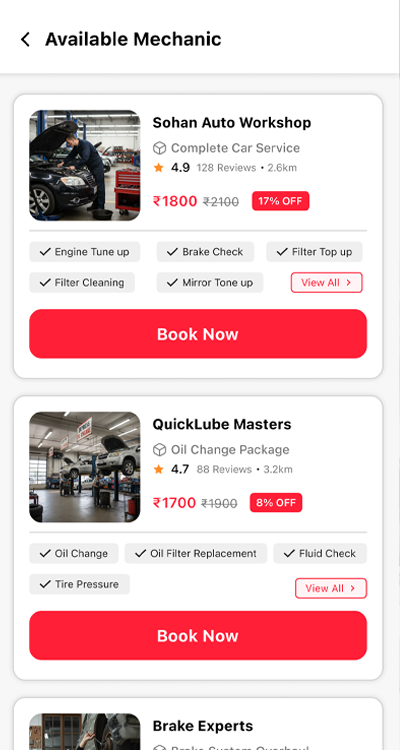
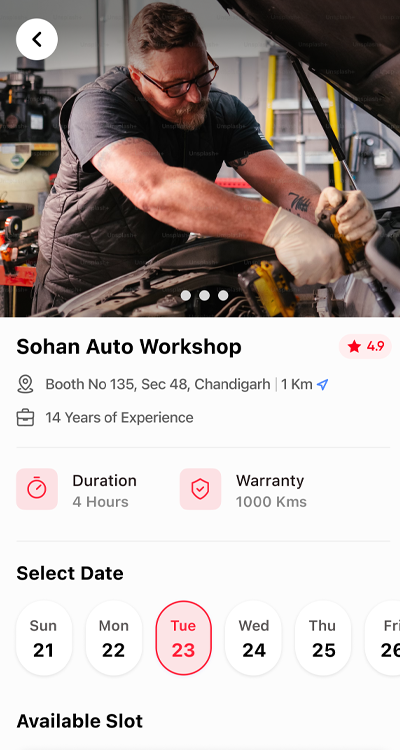
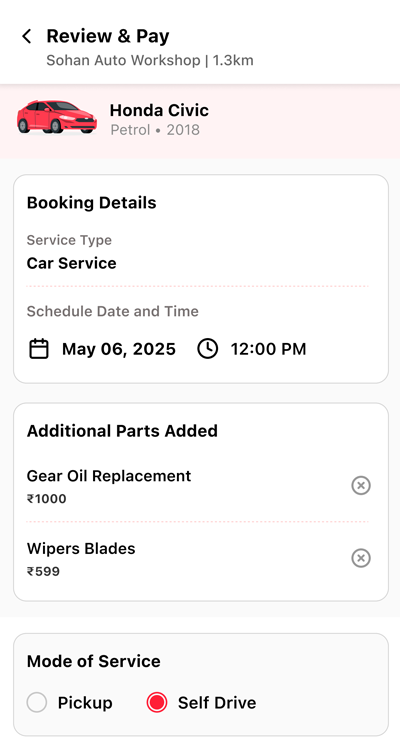
From signing up to paying, every step is already designed and working in the customer app.
- 1Log in with OTP
- 2Add a vehicle
- 3Pick a service
- 4Choose a package
- 5Pick a slot
- 6Review and pay
Start with the demo. It takes 30 minutes.
Book a 30-minute demo. We will install the customer and mechanic apps on your phone, walk you through the admin panel, and send a proposal for your market.